Backend / Desktop Application
Advanced Scientific Calculator
A desktop scientific calculator supporting arithmetic, trigonometry, logarithms, exponents, roots, factorials, memory operations, constants, answer recall, and a persistent history panel — built with Python and Tkinter.
01 · Overview
A desktop productivity tool demonstrating Python engineering: a scientific calculator with a keyboard-friendly Tkinter interface, memory operations, constants, answer recall, and a persistent history panel.
02 · Problem
Naive calculators use eval() on user input — a well-known injection risk. Building one the right way requires a real parsing and validation strategy.
03 · Solution
Every operation is implemented with explicit parsing and validated functions — no eval() — with input validation at the boundary and a clean object-oriented structure.
04 · Architecture
Python 3 with Tkinter for the interface and the standard math library for computation. Object-oriented design separates the calculation engine from the UI layer.
05 · Key Features
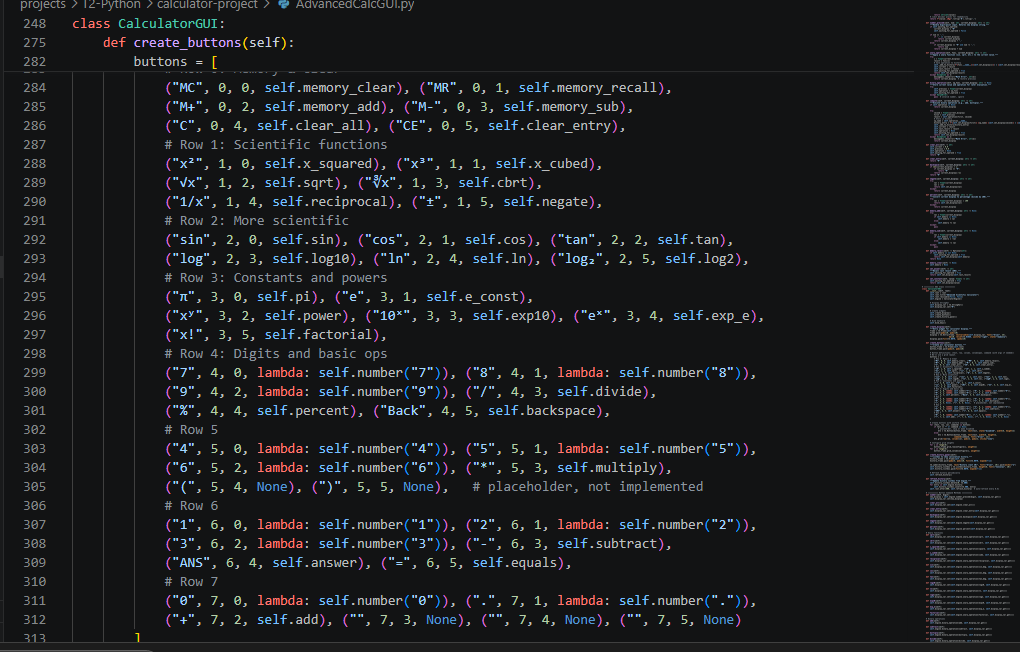
- Basic arithmetic, trigonometry, logarithms, exponents, roots, factorial
- Memory operations (M+, M-, MR, MC) and constants (π, e)
- Answer recall (ANS) and persistent history
- Keyboard shortcuts and responsive layout
- Secure input handling without eval()
07 · Challenges
- Implementing expression parsing that is both correct and injection-safe.
09 · Outcome
A complete, tested desktop application that demonstrates Python, GUI engineering, and security-conscious implementation of a classic tool.